Let the words take the room.
Spek reads a PDF, note or article aloud, one sentence at a time, with voices that run in your browser.
Your attention is worth protecting.
Your attention is worth protecting.
Before it reads
A page made for print isn't made for listening. Spek works through the document in your browser first, so the voice starts where the writing does.
- The real beginningPapers start at the abstract or introduction, not the list of affiliations and email addresses.
- No clutterRunning headers, footers, page numbers, links and identifiers stay out of the voice.
- Room for figuresAt a figure, a code block or a scanned page, Spek shows it and waits until you continue.
Voices
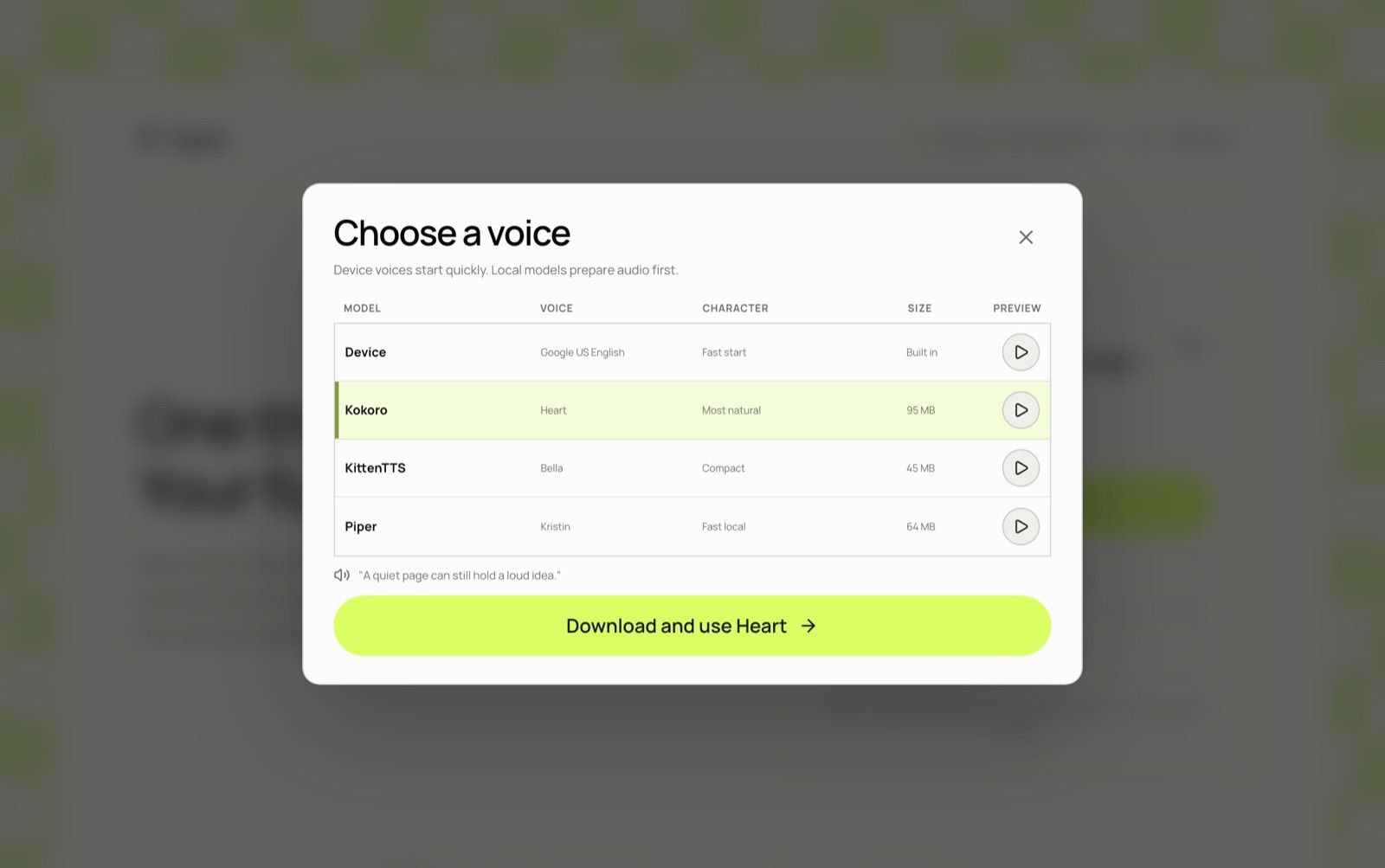
Your device's own voices start at once. The three local models download into the browser the first time you choose one, then speak without anything leaving the page.
- DeviceReady now
- Kokoro, most naturalAbout 95 MB
- Piper, fast and clearAbout 64 MB
- KittenTTS, smallestAbout 45 MB
Listening
Once it starts, the sentence being read is the whole screen. Controls show when you move the pointer and hide when you don't.
- Pause and playSpace
- Back or on a sentence← →
- Leave the playerEsc
Settings
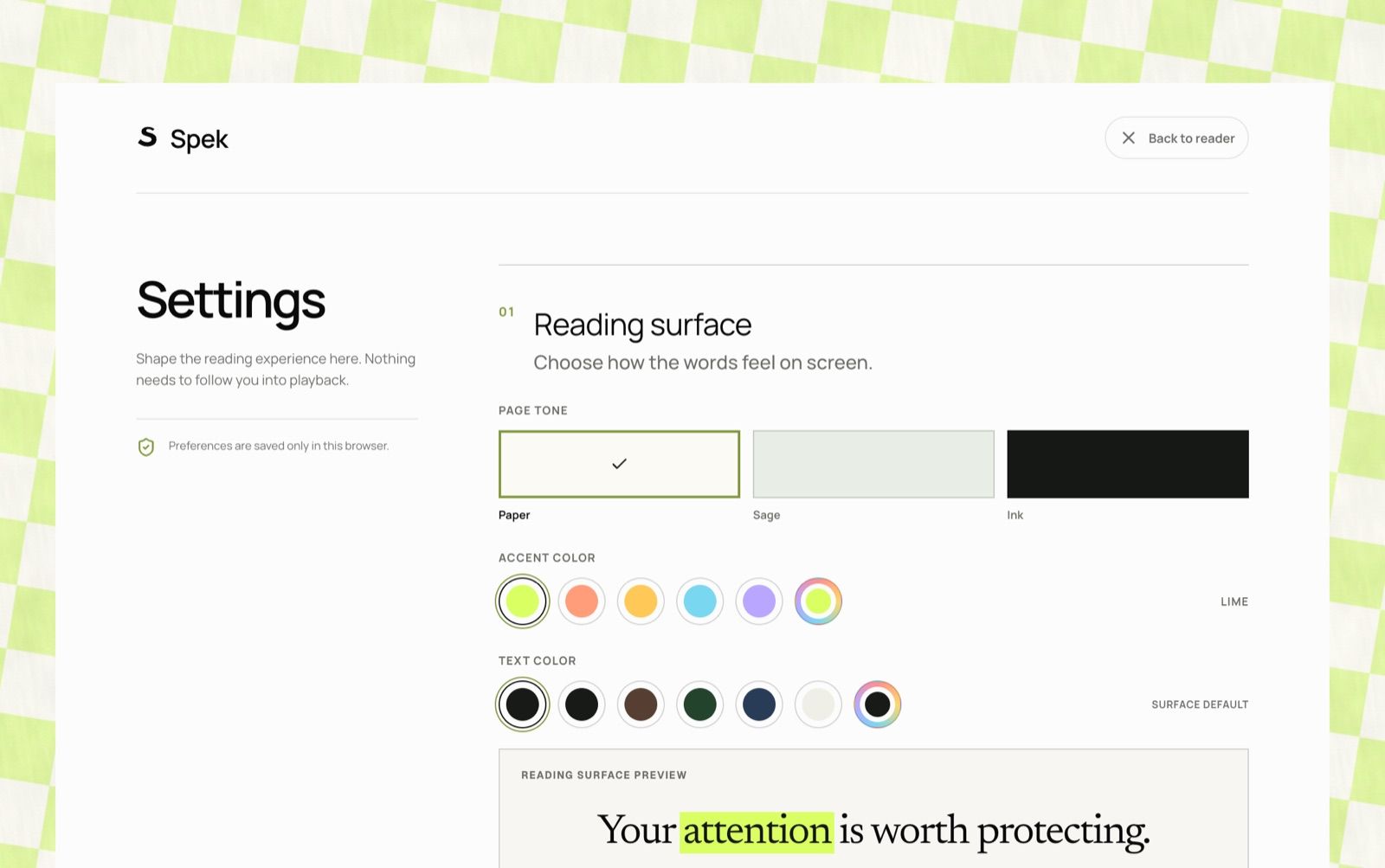
Settings live on their own page, so none of them follow you into the player.
- PagePaper, sage or low light
- TypeSix reading typefaces, including Atkinson Hyperlegible and OpenDyslexic
- HighlightLime by default, four other presets, or any colour you pick
- AtmosphereA low hum, soft rain or open air under the voice
Privacy
Files open in the browser, speech is made on your device, and the document is gone when you close the tab. There's no account and nothing to upload. How Spek keeps it local
For publishers
Add a Read in Spek button to your articles. A reader can send the whole piece, or only what they've selected, straight into Spek with its title. Add the button